Use Factory Droid CLI with Models Hub: BYOK Custom Models
Add a customModels entry pointed at Models Hub in Droid CLI's settings.json, with install commands, recommended models, and error fixes.
Droid CLI is Factory AI's terminal AI software engineering agent, planning, coding, debugging, and running tests inside your project directory. It supports BYOK (Bring Your Own Key): declare a customModels array in its settings file to connect to any OpenAI-compatible gateway. Point one entry at Models Hub and every Droid CLI session draws on your Models Hub balance for that model. This page covers only the connection step — see the official quickstart for everything else.
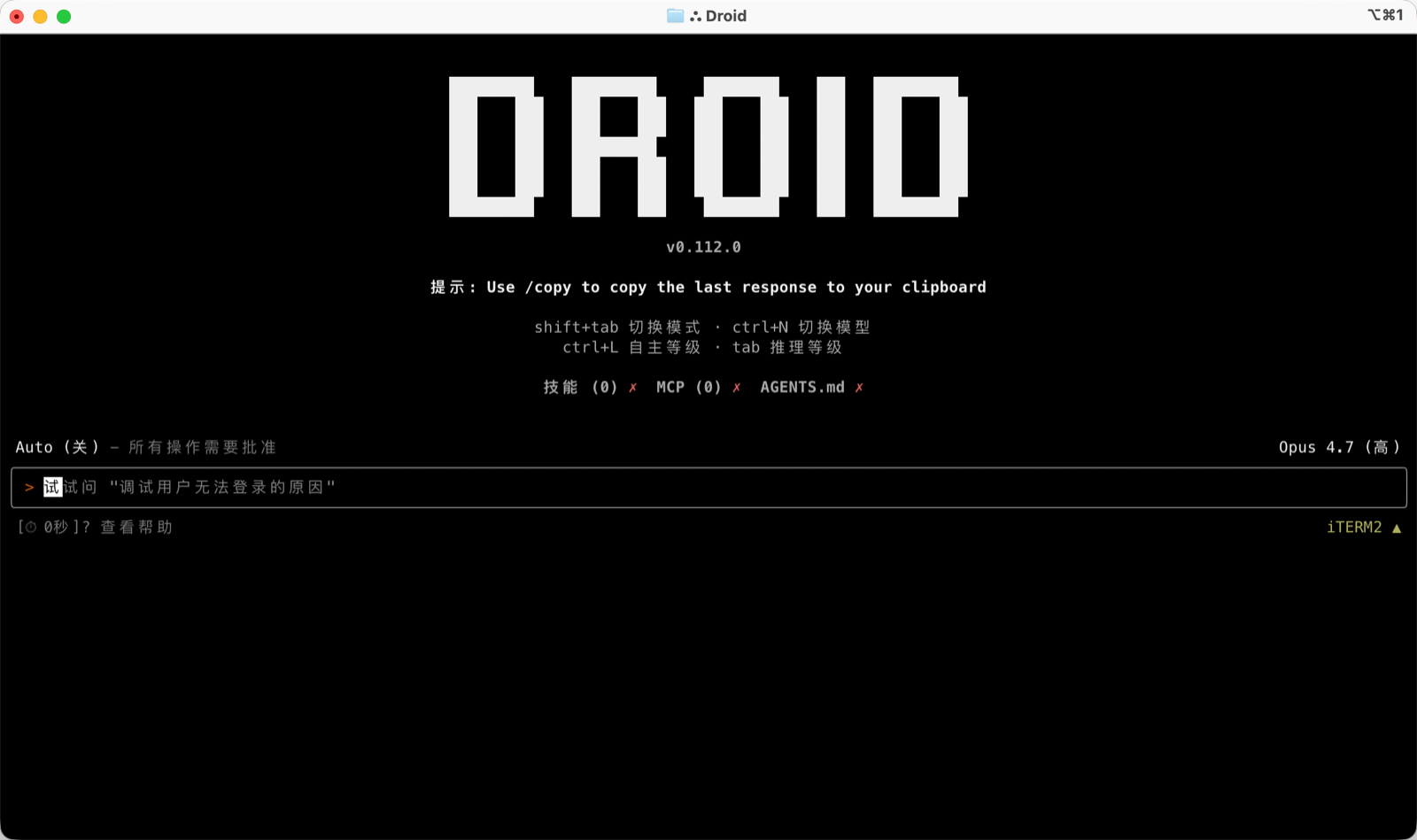
Three things you need
A Models Hub API key, the endpoint https://modelsok.com/v1, and a model name. Droid CLI requires you to sign in with a free official account before use.
Prerequisites
- Droid CLI installed (see the installation steps below). Official site: factory.ai/product/cli.
- A Models Hub API key from the Tokens page, in a group that can access the models you want.
Recommended models
| Use case | Model | Pricing | Live status |
|---|---|---|---|
| First choice for coding | claude-sonnet-4-6 | Price | Availability and latency |
| Complex reasoning and long context | gpt-5.5 | Price | Availability and latency |
| Cheap and fast, good for small edits | gpt-5.4-mini | Price | Availability and latency |
Model names are authoritative on the pricing page.
Setup
1. Install Droid CLI
macOS / Linux:
curl -fsSL https://app.factory.ai/cli | sh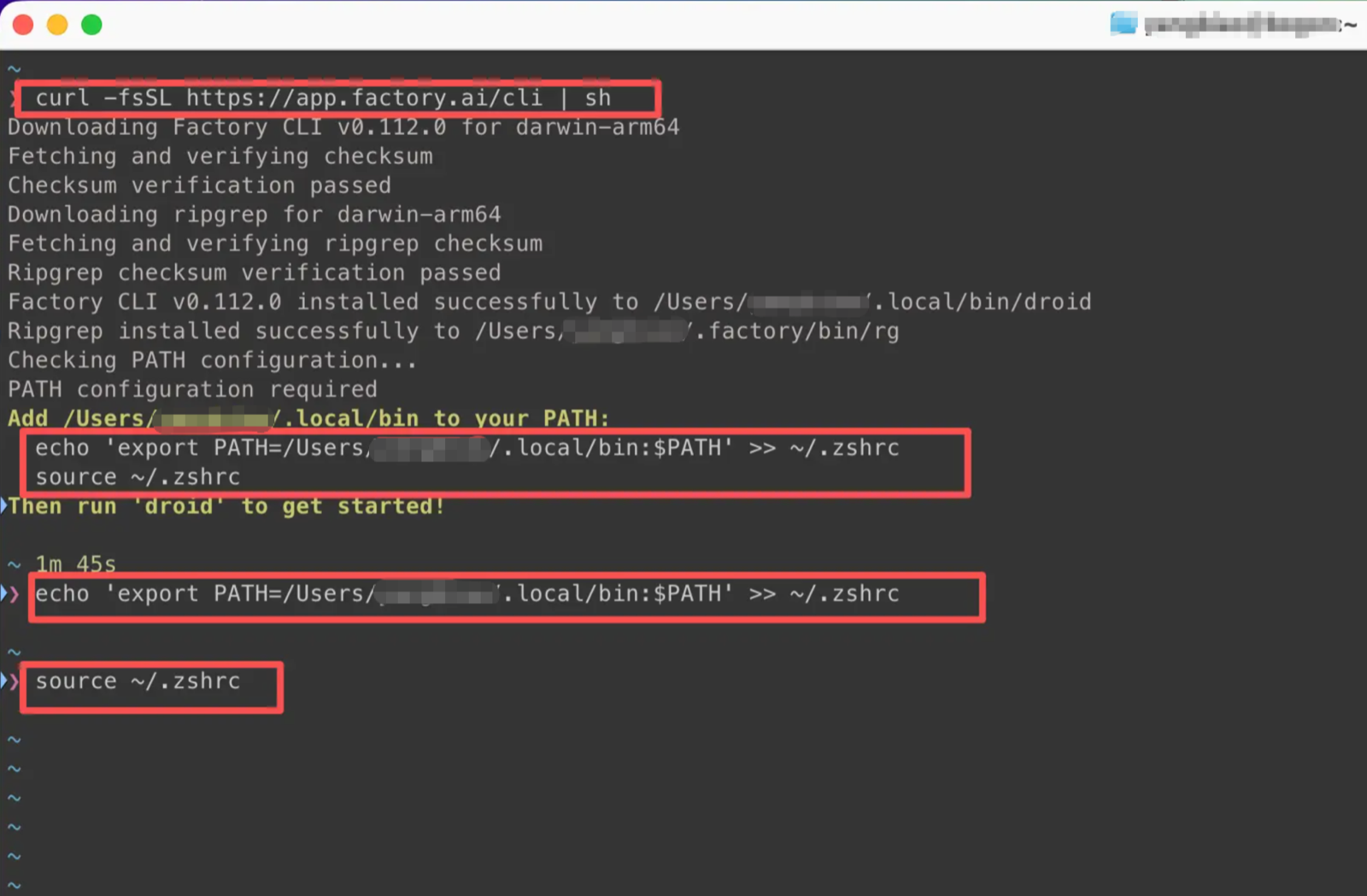
Windows (PowerShell):
irm https://app.factory.ai/cli/windows | iex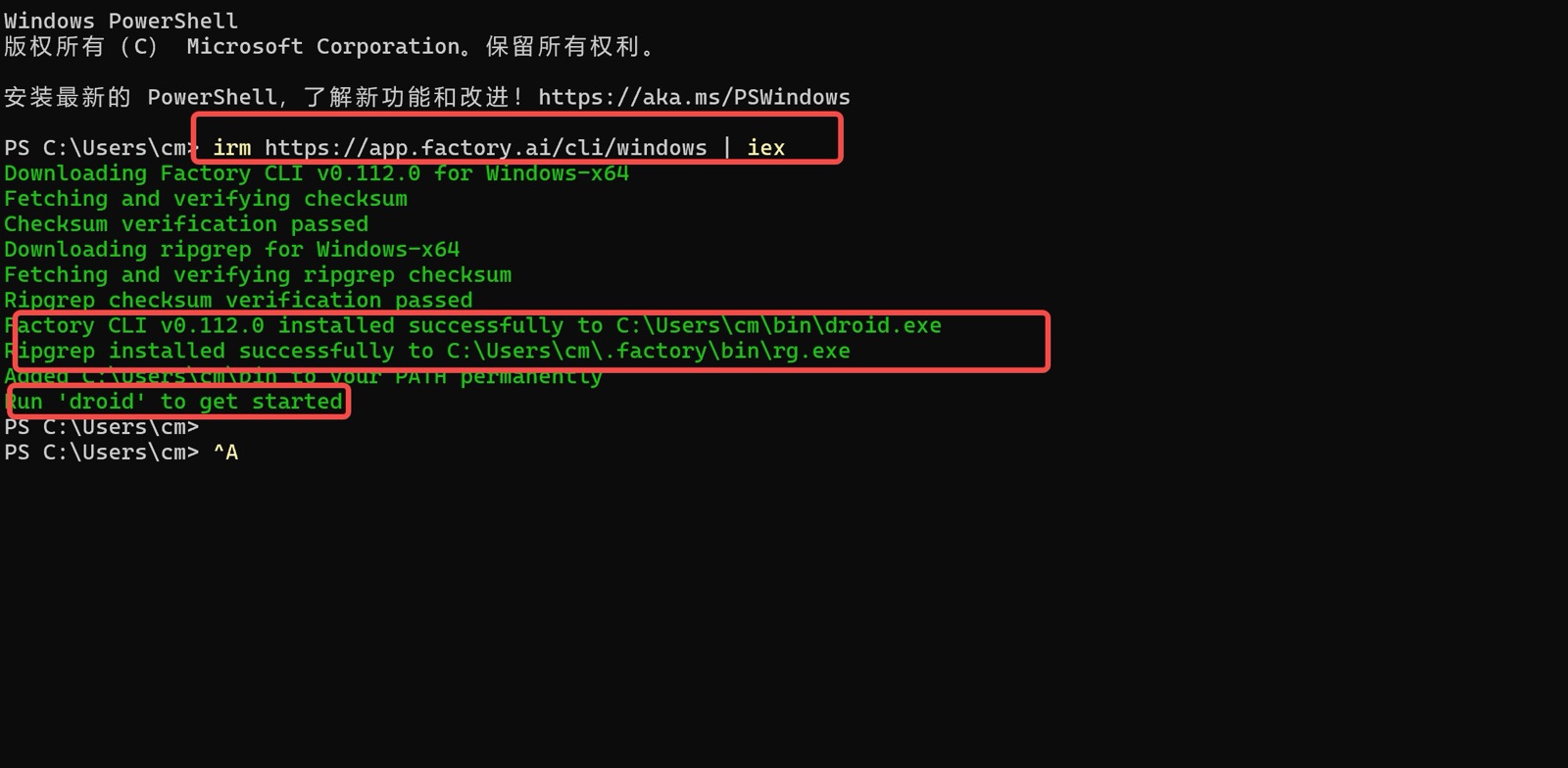
Follow the prompt to add the install directory to PATH (on macOS/Linux this is usually appended to ~/.zshrc or ~/.bashrc). Reopen your terminal, run droid once, and sign in with a free official account.
2. Add a custom model to the settings file
Settings file location: ~/.factory/settings.json on macOS/Linux, %USERPROFILE%\.factory\settings.json on Windows (create it if it doesn't exist). Add a customModels array:
{
  "customModels": [
    {
      "model": "claude-sonnet-4-6",
      "displayName": "Models Hub - Claude Sonnet",
      "baseUrl": "https://modelsok.com/v1",
      "apiKey": "your-modelsok-api-key",
      "provider": "generic-chat-completion-api"
    }
  ]
}
Field notes: model is the model ID actually sent to the API, and must match the Models Hub console; baseUrl is the Models Hub endpoint; provider should be generic-chat-completion-api for a generic OpenAI-compatible gateway; apiKey also accepts ${ENV_VAR_NAME} syntax so you can keep the key in an environment variable instead of the file. Add more objects to the array for the other models in the table above.
Verify
Start Droid CLI in your project directory:
droidType /model — you should see your custom model listed under its displayName. Select it and send something like "introduce this project in one sentence". A normal reply means you're connected. Then check Usage logs in the Models Hub console; a request under that model name appears within seconds, confirming traffic went through Models Hub.
Common errors
| Symptom | Cause | Fix |
|---|---|---|
Custom model missing from the /model list | Malformed settings.json, or the file is in the wrong location | Validate the JSON and confirm the file is at ~/.factory/settings.json |
Unauthorized / 401 | apiKey isn't filled in correctly, or the token is disabled | Re-copy from the Tokens page |
| Model not found | model doesn't match a model ID in the Models Hub console | Check the spelling on the pricing page |
| "Permission denied" during Windows install | Insufficient permissions | Run PowerShell as administrator, or run Set-ExecutionPolicy -ExecutionPolicy RemoteSigned -Scope CurrentUser |
| Prompted to log in at startup | Droid CLI requires signing in to an official account first | Sign in (it's free) — this doesn't conflict with using a custom model |
More in Troubleshooting.
FAQ
How is it billed? Per input and output token actually consumed per request, at the price on each model's pricing page.
Does signing in also use official usage? No. Once you select a custom model from customModels, that session goes to the baseUrl you configured — signing in is only for Droid CLI's own account verification.
How do I switch models? Type /model during a session to pick another one, or add more entries to the customModels array.
Related
Use Crush with Models Hub: crushrc Custom Provider
Edit Crush's crushrc file and use provider add and model add commands to connect Models Hub's OpenAI-compatible models, with verification and error troubleshooting.
Use Oh My Pi with Models Hub: models.yml Custom Provider
Edit Oh My Pi's ~/.omp/agent/models.yml to add Models Hub as a custom provider over the OpenAI-compatible protocol, with verification and error troubleshooting.